Mission
The page that earns the gift. Staff refine the mission and impact copy in place — on the rendered page, no CMS login to chase down.
A nonprofit website template the whole team can update.
Salmon & Oak is a complete nonprofit site — mission, donate call-to-action, and volunteer days — built from Svelte blocks with typed fields. Your agent ships the redesign as code; the program staff update volunteer days in the browser. Same files, no developer in the loop for content.
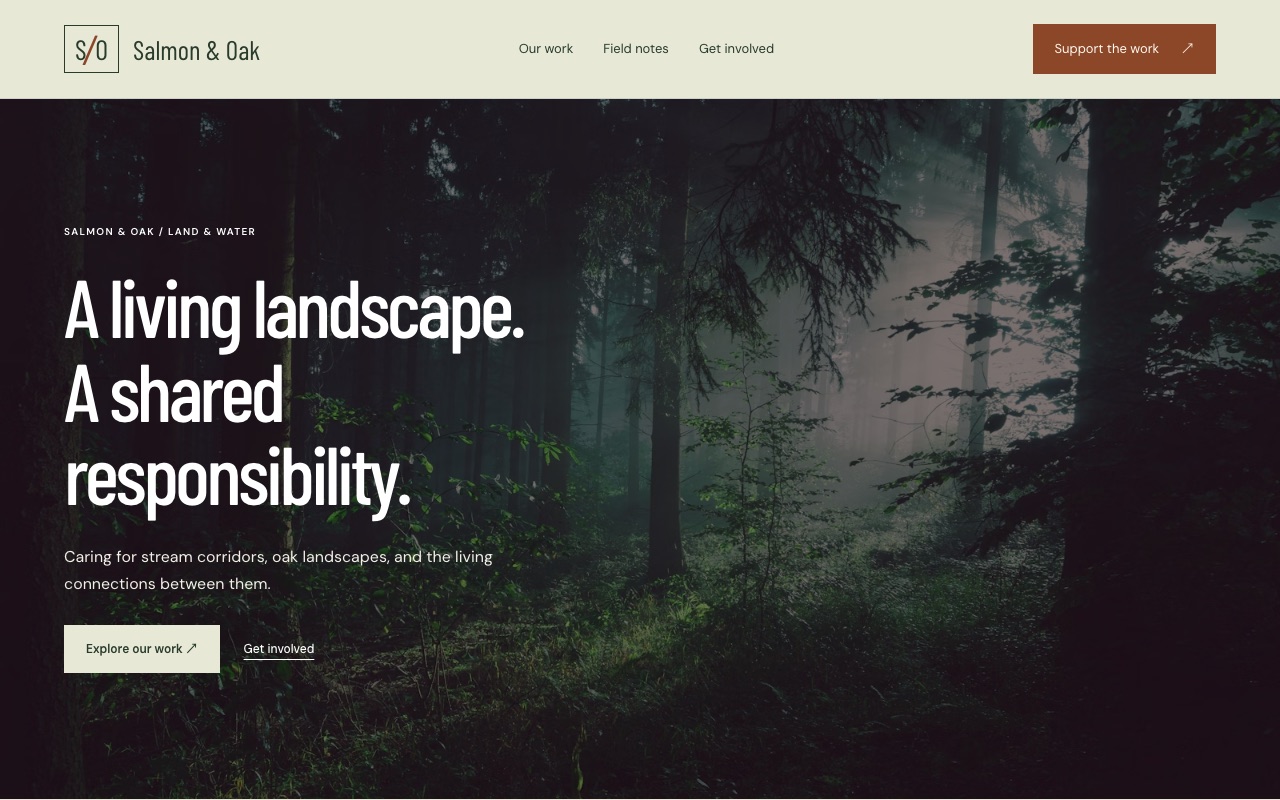
The page that earns the gift. Staff refine the mission and impact copy in place — on the rendered page, no CMS login to chase down.
A donate section ready to point at Donorbox, Stripe, or Every.org. Swap the link, keep the design — the ask is always one click away.
A repeater of upcoming volunteer days. A work party gets added, a past one drops off — the team manages it in the browser, no ticket to a developer.
Multiple staff in the same page at once — live presence, conflict-free edits. The grant-season copy sprint without the merge conflict.
Every block declares its fields in fields.yaml — text, rich text, image, link, repeater. The editor UI is generated from that schema.
A complete, self-contained site — Svelte components in your repo, MIT-licensed. No framework lock-in, no hidden runtime.
Scaffold the starter into your workspace, point your agent at the repo, push. Then hand the team the browser.
One command scaffolds a Primo workspace — your sites, as plain files.
$ npx primo-cli init my-workspace
Creates the full nonprofit site in your repo — blocks, pages, content, config.
$ primo new nonprofit --template nonprofit
Point any CLI agent at the repo. Set the mission, brand the site, wire the donate link.
$ claude "set up the donate CTA and brand colors"
Files sync to the server. Staff manage volunteer days and copy in the browser — on the rendered page.
$ primo push
MIT · open source · works with any CLI agent. The –template flag for one-command starter forks is rolling out — today, fork by pulling the starter site and pointing your agent at it.
Build with an agent.
Hand it to a human.
Start with your agent or the CLI. Build locally, then deploy an editable CMS when you’re ready.
Create a new Primo site for my client. Set up a local workspace, help me choose a marketplace starter, and open the Primo editor. Read the Primo docs at https://docs.primo.build before starting.
MIT · open source · free forever