
Build with an agent. Hand it to a human.
Create custom sites with your AI agent. Give clients a simple editor. Keep ownership of your code, content, and hosting.
Loading the editor…
Add a featured dogs section above the adoption list, with three photo cards.
Loading the editor…
Primo combines easy custom development with simple no-code editing. I get to choose which components exist and how much control to give editors.
 Juri Founder at Moliri
It’s lightweight, fast, and super easy to set up. I can quickly customize my pages without dealing with complicated setups or heavy frameworks.
 Vedno Web Developer
I’ve managed a couple of custom Primo sites for years. My clients are super non-technical but onboarded in minutes and rarely reach out for help.
 Bryan Freelance Developer
How it works
From local files to client edits.
-
Choose a starter or build your own. Code, fields, and content stay in your project.
View the workflow -
Ask for a page or a design change. Review the code, then push it to Primo.
See examples -
Clients click to edit text and images, add pages, and publish.
Client editing
EXPLORER
primo-workspace
sites
maison-verde
site
blocks
site-header
hero
menu
page-types
default
event
article
pages
events
journal
harrow-stone
site
blocks
site-header
hero
projects
page-types
default
project
article
pages
work
journal
common-ground
site
blocks
site-header
hero
classes
page-types
default
class
instructor
pages
classes
team
library
blocks
call-to-action
name: Homepage_type: defaultsections: - block: hero content: headline: A table for your kind of day. eyebrow: COFFEE EARLY. WINE LATER. - block: menu - block: reservation-cta All changes savedYAML UTF-8
Made with Primo
Used in the real world.
Primo gives each site an editor for its own content—from products and services to team profiles and galleries.

Amm-Am!
Food brand · products, story, shop

Leesburg Counseling
Therapy practice · services, team, booking

MAAD Metal
Metal fabrication · gallery, contact
Swipe to explore
Marketplace
100+ unique starters
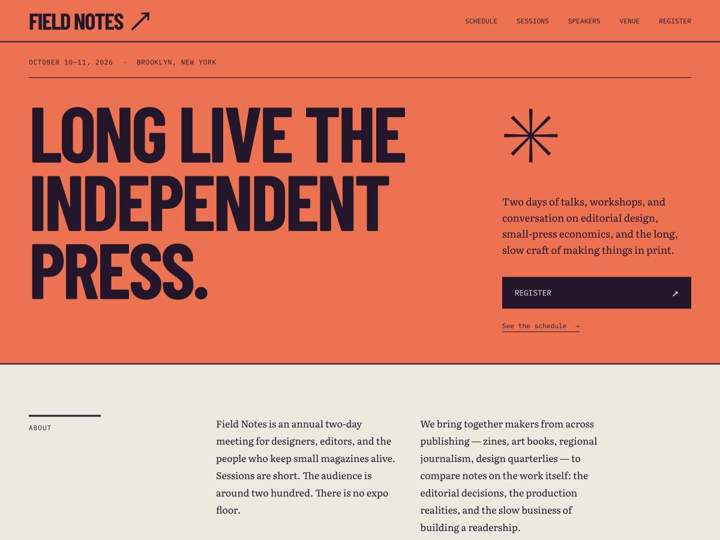
Starter sites you could have vibecoded yourself, ready for your next project
111 starters · 18 categories


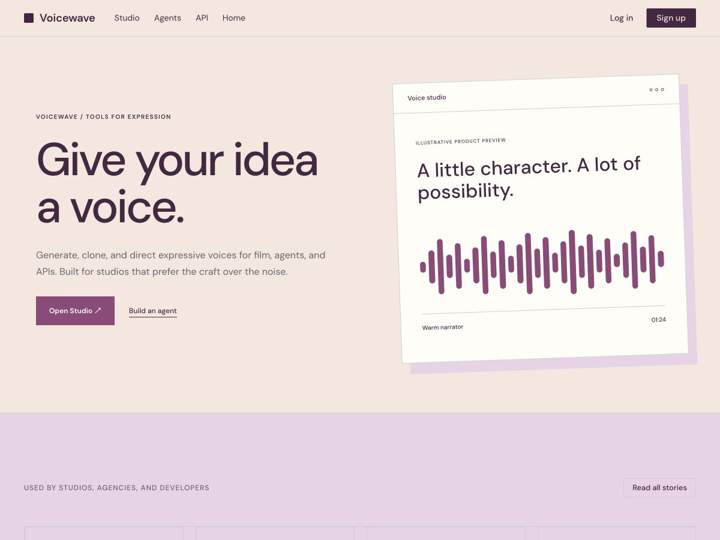
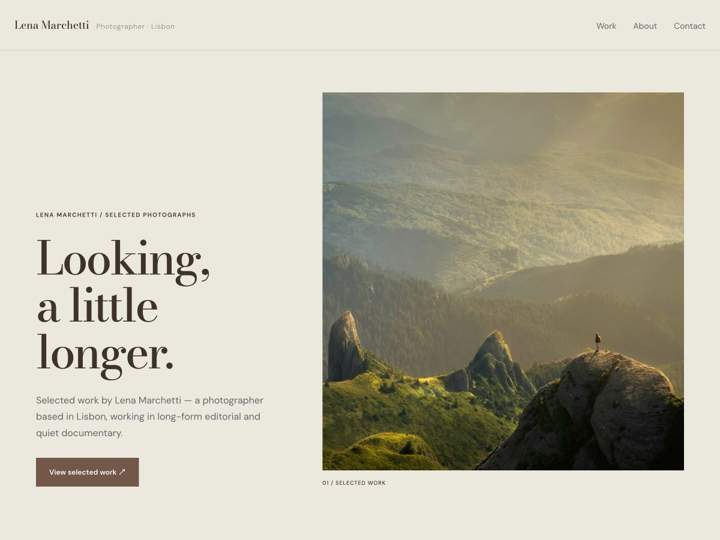

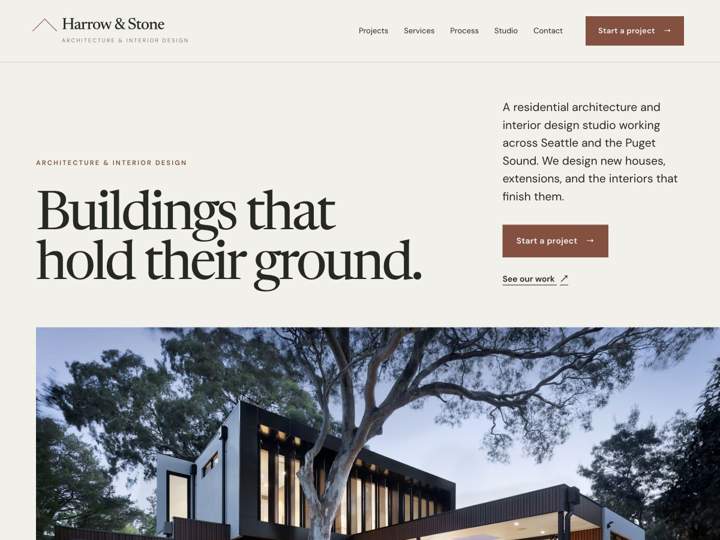

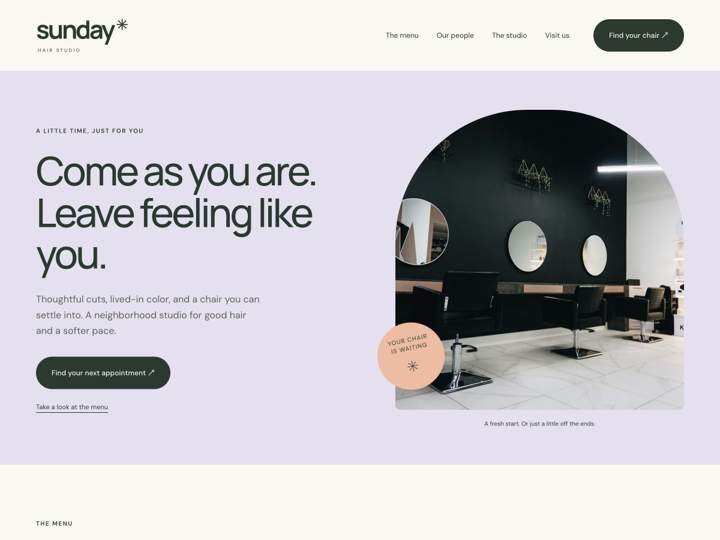

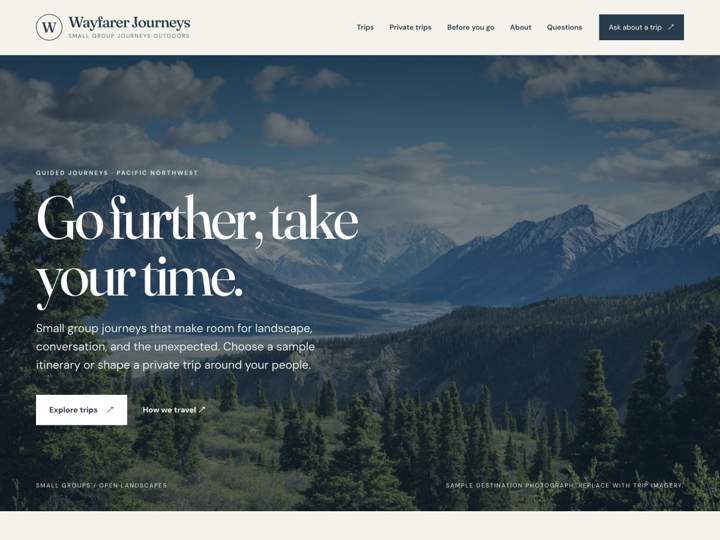
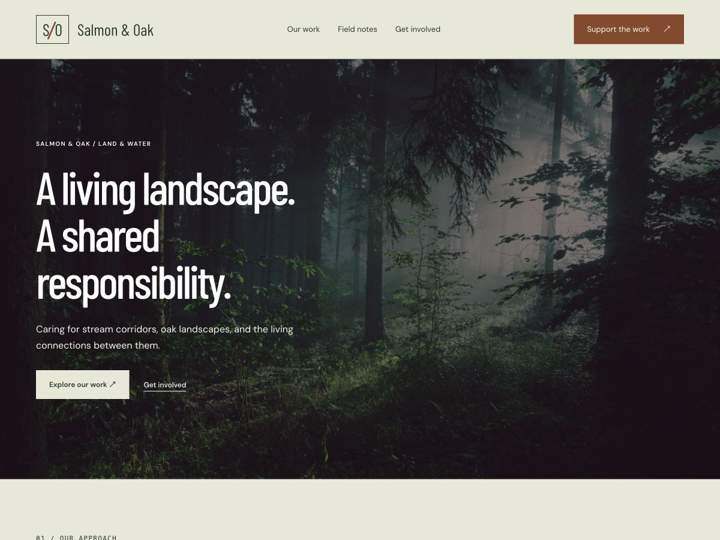
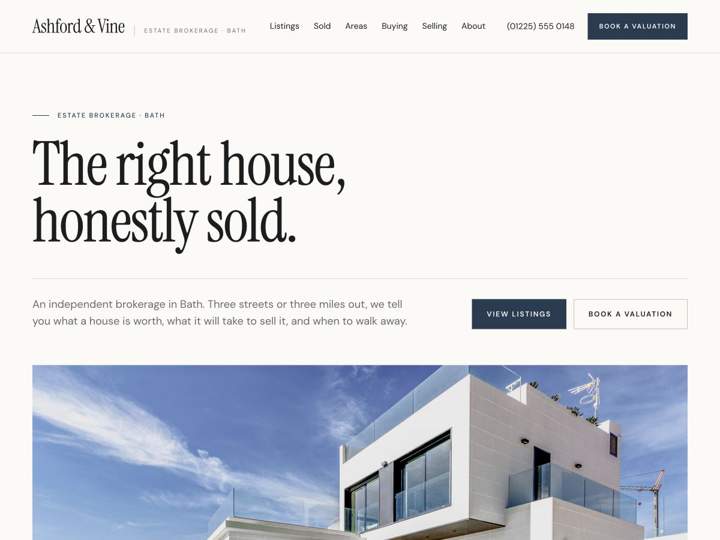

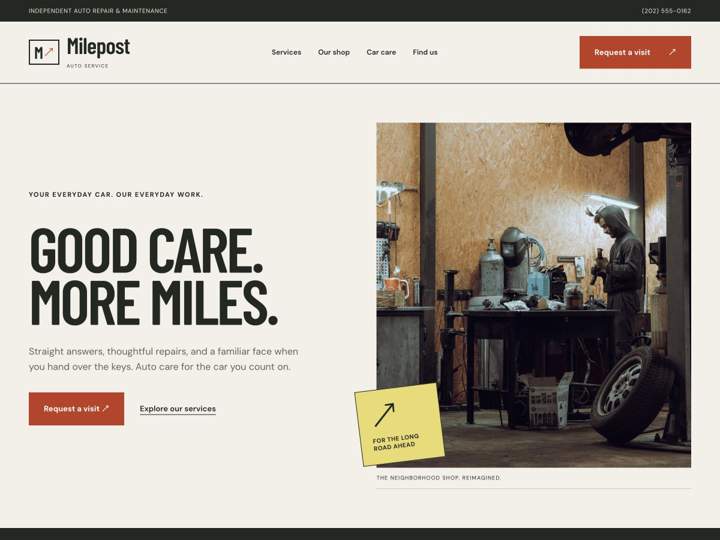
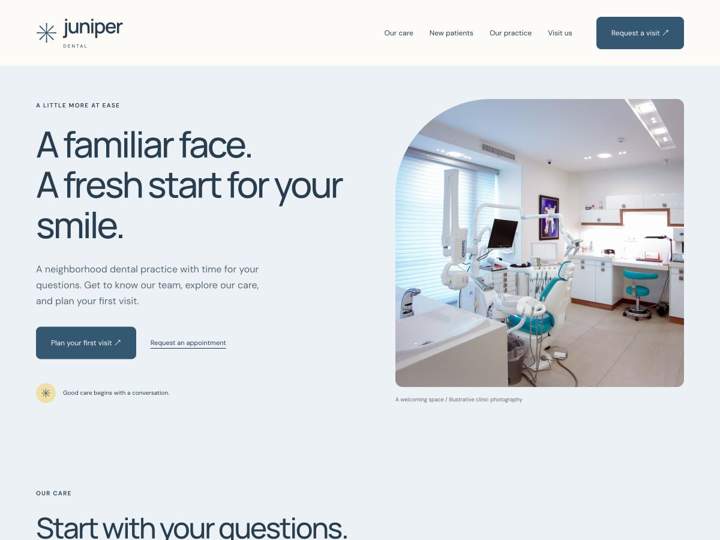
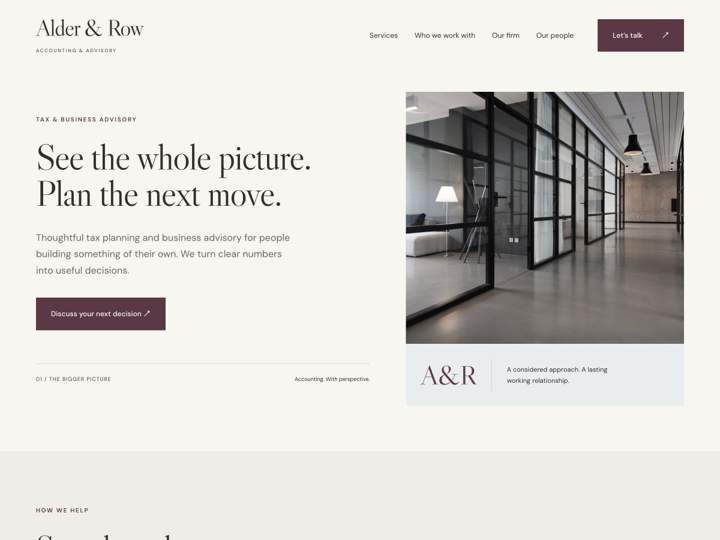
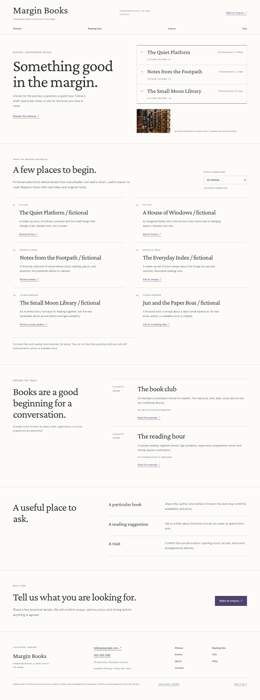
20 starters · Swipe to explore
Every starter includes the site’s code, content, page types, and fields. Yours to change.
How it compares
What makes Primo different.
Primo brings your components, content, and page types into one system—files for your agent and an editor for your clients.
| Capabilities | Primo | WordPress | Headless CMS | Site Builders |
|---|---|---|---|---|
| Code | Svelte components as files | PHP themes and plugins | Frontend files | Builder; export options vary |
| Client editing | On the rendered page | Block editor or admin | CMS studio or custom editor | Visual canvas |
| Content model | Fields and page types as files | Core, plugins, or code | Code or admin, depending on CMS | Managed in the builder |
| Agent workflow | Entire site as local files | Code; content via CLI or API | Code; content via CMS API | Custom code and integrations |
| Hosting | Self-hosted · MIT | Self-hosted or managed · GPL | Hosted or self-hosted | Usually platform hosting |
Scroll to compare
Capabilities vary by CMS, plugins, and hosting setup.
Frequently asked questions.
Do I need to write code?
Your agent can set up Primo and make code changes for you. Some familiarity with web projects helps you review and refine the result. Your clients update content through the visual editor.
Which AI agents can I use?
Use an agent that can edit local files and run terminal commands. Primo’s CLI works with your existing workflow, and its MCP tools give compatible agents access to field schemas and validation. The setup guide gets you started.
What can my clients edit?
Clients can update text and images, create pages from the templates you provide, and publish with the permissions you give them. You define the editable fields and available blocks. Try the editor ↗ to see how it works.
Where can I host my sites?
Choose a hosted Primo plan or run Primo on your own infrastructure. Either option gives you a browser editor for content updates. You can also build a static version to host elsewhere. Compare hosting options.
What kinds of sites use Primo?
Sites such as Amm-Am!, Leesburg Counseling, and MAAD Metal use Primo. Browse the showcase for live examples across different businesses.
Do I own my code and content?
Yes. Keep the site in your own repository and export its Svelte, YAML, and media files whenever you need them. Primo is MIT-licensed, so you can also keep running your own installation independently.

I built Primo because there was no good way to build custom sites I could hand off to my clients. Seven years later, the same model works great with AI — and my clients still get a site they can manage themselves.
— Matthew, founder
Build with an agent.
Hand it to a human.
Start with your agent or the CLI. Build locally, then deploy an editable CMS when you’re ready.
Create a new Primo site for my client. Set up a local workspace, help me choose a marketplace starter, and open the Primo editor. Read the Primo docs at https://docs.primo.build before starting.
Paste into your AI agent.
Free, open-source software · MIT license