Sales page
The long-form pitch as content. The creator tunes the hook, the proof, the price — in the browser, the day the offer changes, not the week after.
A course website template that sells while you teach.
The Quiet Practice is a complete course & info-product site — sales page, curriculum, and enrollment — built from Svelte blocks with typed fields. The page your agent restyles as code and the page the creator edits in the browser are the same files — the editor generates itself from each block’s field schema, no glue code.
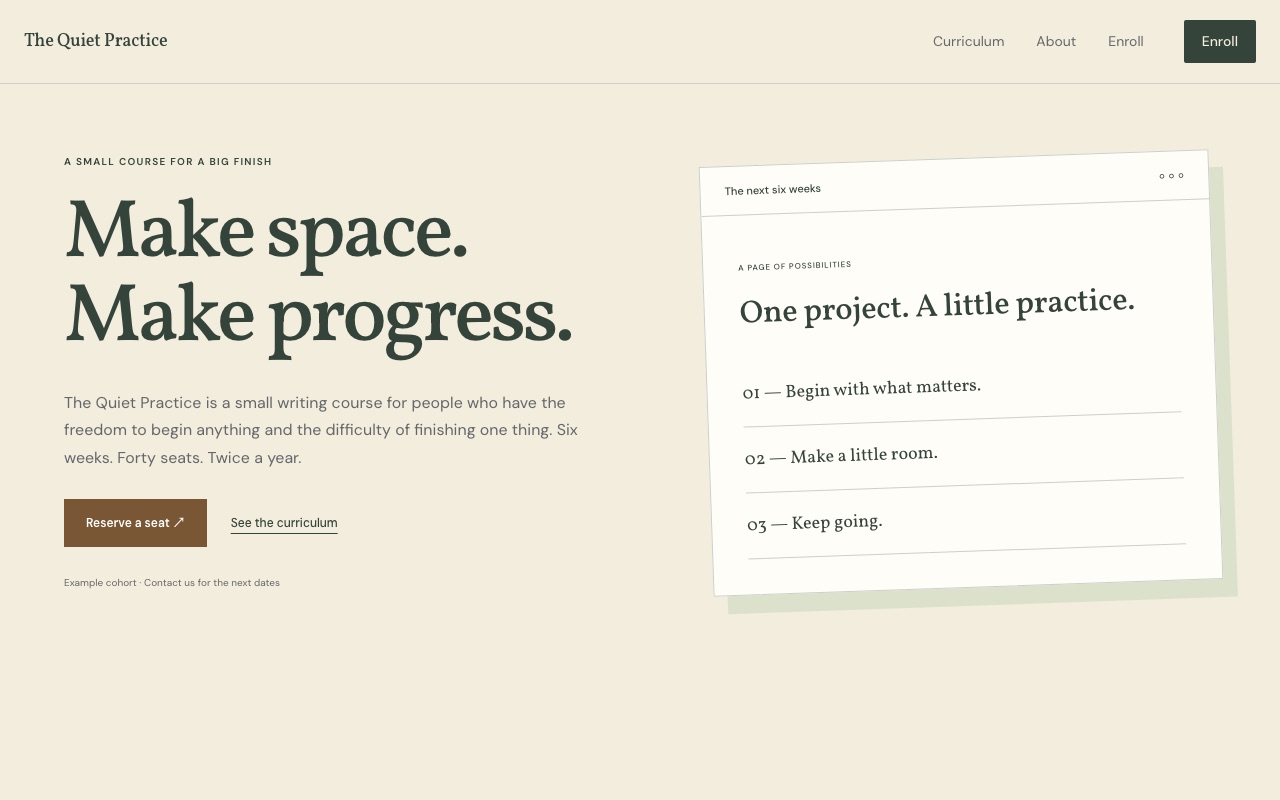
The long-form pitch as content. The creator tunes the hook, the proof, the price — in the browser, the day the offer changes, not the week after.
An enrollment section ready to point at the checkout or form the course already uses. Swap the link, keep the design.
A repeater of modules and lessons. Launch with eight, add the bonus ninth later — the creator does it in the browser, the layout holds.
Click any text on the rendered page and type. A new testimonial, a price test, a deadline — edited in place, written straight to the source.
Every block declares its fields in fields.yaml — text, rich text, image, link, repeater. The editor UI is generated from that schema.
A complete, self-contained site — Svelte components in your repo, MIT-licensed. No framework lock-in, no hidden runtime.
Scaffold the starter into your workspace, point your agent at the repo, push. Then hand the creator the browser.
One command scaffolds a Primo workspace — your sites, as plain files.
$ npx primo-cli init my-workspace
Creates the full course site in your repo — blocks, pages, content, config.
$ primo new course --template course
Point any CLI agent at the repo. Set the offer, brand the site, wire the enrollment and checkout links.
$ claude "wire up enrollment and the curriculum"
Files sync to the server. The creator runs price tests and adds modules in the browser — on the rendered page.
$ primo push
MIT · open source · works with any CLI agent. The –template flag for one-command starter forks is rolling out — today, fork by pulling the starter site and pointing your agent at it.
Build with an agent.
Hand it to a human.
Start with your agent or the CLI. Build locally, then deploy an editable CMS when you’re ready.
Create a new Primo site for my client. Set up a local workspace, help me choose a marketplace starter, and open the Primo editor. Read the Primo docs at https://docs.primo.build before starting.
MIT · open source · free forever