Case studies
Built on a Primo page type — define the case-study shape once (cover, problem, outcome), and the team ships the next one from the browser. Every one keeps the same structure.
An agency website template your studio edits itself.
Creative Agency is a complete studio & agency site — case studies, services, and team — built from Svelte blocks with typed fields. Case studies are a Primo page type: define the shape once, and anyone on the team adds the next one from the browser, never breaking the model.
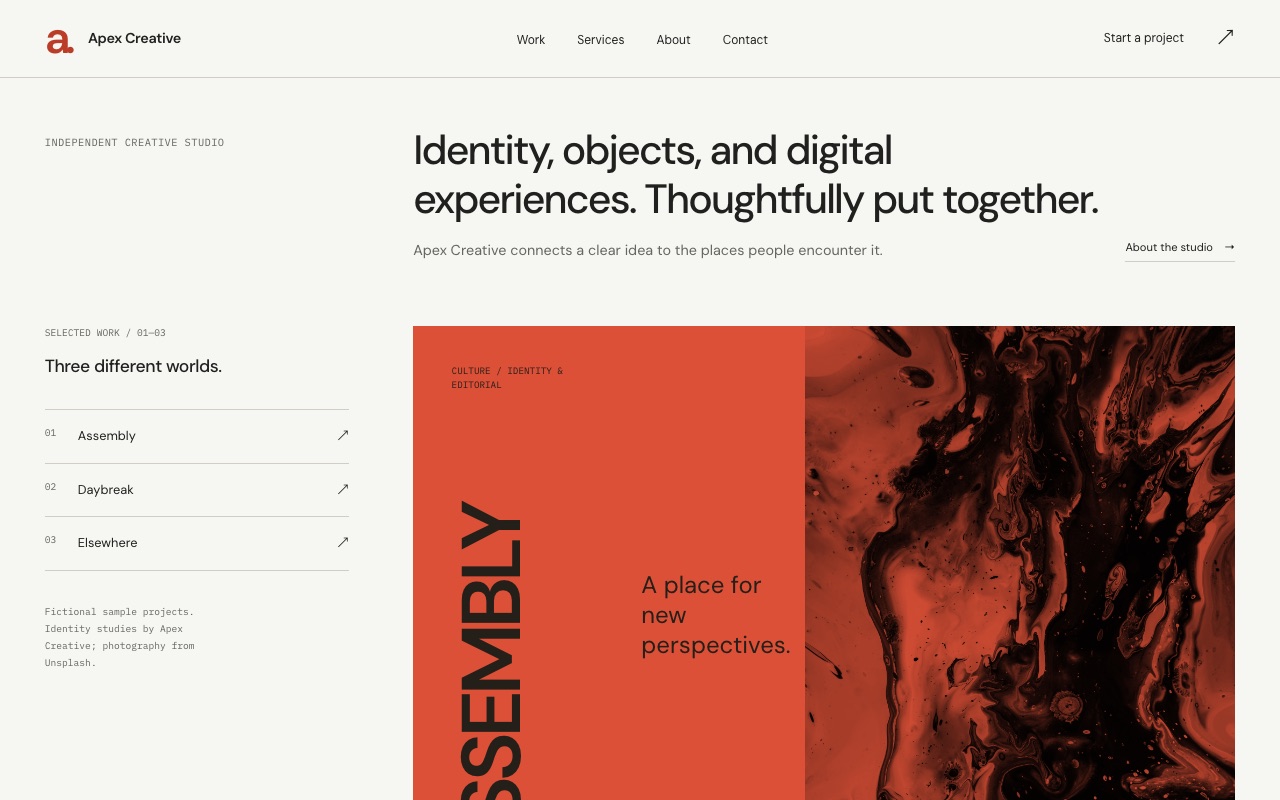
Built on a Primo page type — define the case-study shape once (cover, problem, outcome), and the team ships the next one from the browser. Every one keeps the same structure.
A repeater of what you offer. Reposition the studio without rebuilding the page — it’s a content edit, not a deploy.
A repeater of people. Someone joins, someone leaves, someone’s bio sharpens — managed in the browser, no developer round-trip.
The case-study model lives in fields.yaml next to the component. You own the schema; the team owns the content.
Multiple people in the same page at once — live presence, conflict-free edits. The whole studio in one draft.
A complete, self-contained site — Svelte components in your repo, MIT-licensed. No framework lock-in, no hidden runtime.
Scaffold the starter into your workspace, point your agent at the repo, push. Engineering keeps the repo; the team gets the browser.
One command scaffolds a Primo workspace — your sites, as plain files.
$ npx primo-cli init my-workspace
Creates the full agency site in your repo — blocks, pages, content, config.
$ primo new studio --template agency
Point any CLI agent at the repo. Tune the case-study fields, brand the site, set the services.
$ claude "add an outcome metric to case studies"
Files sync to the server. The team ships the next case study in the browser — on the rendered page, in the fields you defined.
$ primo push
MIT · open source · works with any CLI agent. The –template flag for one-command starter forks is rolling out — today, fork by pulling the starter site and pointing your agent at it.
Build with an agent.
Hand it to a human.
Start with your agent or the CLI. Build locally, then deploy an editable CMS when you’re ready.
Create a new Primo site for my client. Set up a local workspace, help me choose a marketplace starter, and open the Primo editor. Read the Primo docs at https://docs.primo.build before starting.
MIT · open source · free forever